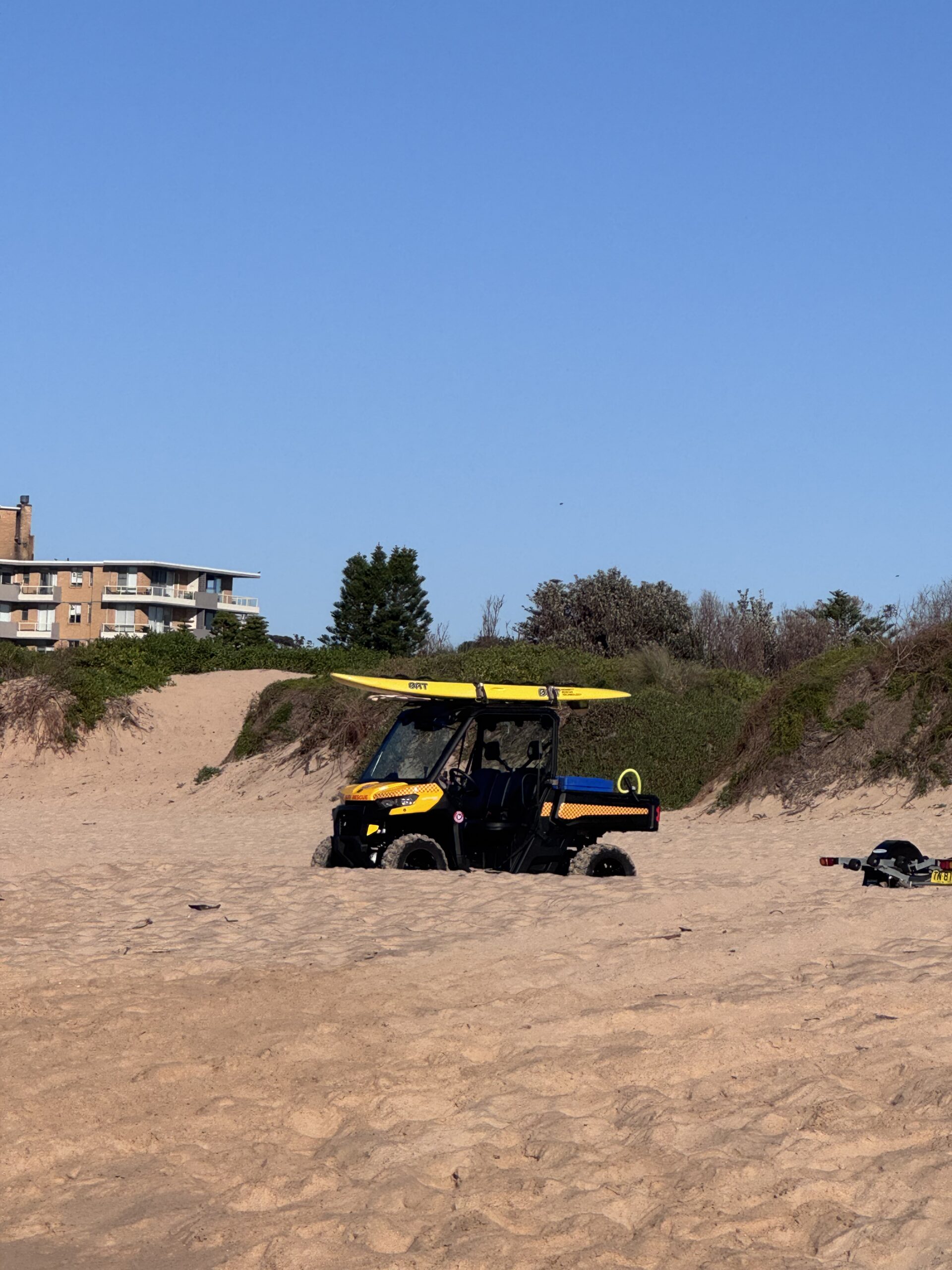
There’s never been a better time to start with smartphone photography. In your pocket sits a creative toolkit that rivals yesterday’s pro gear, yet costs you nothing extra to use. Today’s phones — including iPhone models with computational magic — flatten the learning curve, unlock low-light detail, and let you edit on the bus. More importantly, they democratise visual storytelling so anyone can shoot, share, and even sell images without breaking the bank.
Why smartphone photography changed everything
Not long ago, a sharp coastal sunrise shot demanded a DSLR, a tripod, and a heavy kit bag. Now your phone stacks exposures, stabilises shaky hands, and brightens shadows in milliseconds. Consequently, the barrier to quality has dropped, while access to audiences has exploded. Moreover, phone-native platforms prioritise quick publishing and vertical formats, which suits travellers, students, and weekend walkers alike.
Crucially, this shift saves real money. A mid-tier phone camera already delivers printable, social-ready files. Meanwhile, affordable accessories and free apps provide 80% of the pro look for 10% of the price.
Smartphone photography on the Northern Beaches
Sydney’s Northern Beaches invite morning photo walks: ocean pools, sandstone headlands, and soft southerlies rolling across the Pacific. You’ll find translucent water at first light, backlit spray on a westerly, and rock textures that pop after rain. Even if you’re new, your phone’s wide lens suits seascapes, while the ultra-wide plays well with sweeping pools and leading lines.
As a result, beginners can focus on timing, composition, and safe footing instead of lugging gear. Better yet, with a phone you can move fast between viewpoints when the sunrise changes every minute.
Budget kit that multiplies results
Spend where it counts
- Clip-on circular polariser: $25–$60. Cuts glare on rock shelves and ocean pools, deepens skies, and tames reflections on wet sand.
- Compact tripod or clamp: $30–$80. Stabilises for low-light shots and timelapses. A simple phone clamp with Arca plate keeps options open.
- Neutral-density (ND) clip filter: $30–$70. Enables 1–2 second water blurs at dawn, even on phones that lack variable ISO control.
- Microfibre cloth + rain sleeve: $10–$20. Salt spray ruins clarity. Keep lenses spotless and your phone dry.
- Power bank: $25–$50. Cold dawns drain batteries fast during long exposures and Live Photos.
Cost comparison: A decent entry-level mirrorless kit with lens and filters can exceed $1,400. The essentials above total under $250 and cover 90% of a coastal shoot’s needs.
What to skip (and why)
- Bulky gimbals ($150–$400): Great for video, but for stills you’ll rarely need one. Use a small tripod and stabilisation instead.
- Novelty lens kits ($20–$40): Many degrade image quality. If you must, choose a single, glass-element macro or tele with strong reviews.
- Expensive phone cages ($150+): Unless you shoot video daily, a basic clamp does the job.
Free and low-cost apps that punch above their weight
Zero-dollar winners
- Apple Photos/Google Photos: Powerful auto-adjustments and straightening. Cost: free.
- Snapseed: Selective edits, curves, and perspective tools. Cost: free.
- Lightroom Mobile (free tier): RAW capture on many phones, basic editing sliders, and profiles.
Small spends with big returns
- Halide or ProCam (iOS): Manual control and RAW. Cost: $4–$9/month or $60–$80 lifetime, but many offer free trials; buy once if you can.
- TouchRetouch: Removes stray people, bins, and poles. Cost: $20–$30 once-off; cheaper than desktop suites.
- Darkroom or VN: Streamlined edits and batch styling. Cost: free to $35/year; cancel when you’ve finished a project.
Tip: Subscribe briefly during peak shooting months, then pause. Over a year, you may spend under $50 on software while maintaining pro-level control.
Camera settings that save shots (and dollars)
Simple, repeatable presets
- Sunrise seascape: Enable HDR/Smart HDR. Lock exposure on mid-tones (tap-and-hold). Set a 3-second timer to avoid shake. With ND, aim for 0.5–1.5s shutter using a manual app.
- Golden hour portraits: Turn off harsh flash. Use Portrait mode sparingly; shoot a backup normal image in case edge detection fails.
- Low light rock pools: Use Night mode but stabilise on a tripod or railing. If wind moves leaves or water, reduce the Night mode duration to avoid smearing.
- Action surf: Burst mode. Track with the wide lens for steadier framing; crop later.
These habits cost nothing and yield an immediate quality jump, especially with moving clouds and reflective water.
Composition ideas for coastal stories
Guide the eye without spending a cent
- Leading lines: Pool edges, boardwalks, and tyre tracks on damp sand pull viewers into frame.
- Foreground texture: Rippled sand, barnacled rock, or seafoam adds depth on a 24–28mm equivalent lens.
- Human scale: Add a silhouetted walker at the rule-of-thirds intersection to suggest size and story.
- Reflections: After a squall, puddles double the sky. Crouch low; tap to expose for highlights.
- Frames within frames: Railings, surf-club doors, or pandanus leaves create a natural vignette.
Free activities for skill-building
Make a weekly mini-brief
- Contrast hunt: Photograph only light-versus-shadow for 20 minutes at dawn.
- Colour study: Pick one colour (teal, rust, coral) along the coast and chase it for a morning.
- Motion series: Practice 10 intentional blurs of water or passing runners.
- Reflection only: Puddles, windows, sunnies, pool tiles — no direct subjects allowed.
These constraints sharpen your eye for free and translate to better travel albums and stronger social posts.
Affordable alternatives to expensive gear
Tripods and mounts
- Hardware-store clamp + phone adapter: $20–$35. Clip to railings or benches; safer than balancing on rocks.
- Second-hand compact tripod: $40–$70 on classifieds. Inspect leg locks and the plate screw.
Filters and lens care
- Clip-on CPL/ND combo: $40–$80. Two-in-one saves money and bag space.
- DIY shade: Use a cap or your hand just outside frame to block flare. Cost: $0.
Lighting
- Reflective car sunshade: $10–$20. Acts as a giant reflector for portraits at the beach.
- Head torch with warm gel: $15–$30. Low, warm fill at dawn without harsh hotspots.
Money-saving hacks for editing and storage
Lean, clean, and backed up
- Shoot HEIF/HEIC for everyday snaps; switch to RAW only when dynamic range is extreme. Save up to 40–50% storage versus JPEG.
- Cull fast: Star favourites on the spot, delete duplicates nightly. Less cloud storage, less subscription creep.
- Use free tiers smartly: Rotate between cloud services to fit within free quotas, then consolidate monthly onto an external SSD ($80–$140 for 1–2TB).
- Batch edit presets: Create two looks — “Cool Dawn” and “Warm Dusk” — in a free app to speed workflow.
Travel smart on a budget with your phone
Plan dawn patrols without the spend
- Weather: Check forecasts and marine conditions via the Bureau of Meteorology. Look for light offshore winds and high cloud at sunrise. See bom.gov.au for free, detailed maps.
- Tides: Rock shelves appear at low tide; check tide tables to avoid wet feet and to reach leading lines safely. NSW maritime and coastal pages list daily tides at no cost.
- Public facilities: Ocean pools are free. Many have showers and benches ideal for quick gear checks.
When itineraries stretch along the beaches — say, from Collaroy rock shelf to North Narrabeen pool — carrying a tripod, filters, and warm layers gets awkward on buses before dawn. This is where a Zipli car-share makes sense. You can grab an early booking near your place, sling everything in the boot, and reach multiple headlands before first light. You’ll spend far less than a rideshare loop, and you won’t juggle gear while sprinting for a connection.
Route ideas: sunrise circuits for phone shooters
Short hop, big variety
- Narrabeen Lagoon trail (sections): Glassy water for reflections at civil twilight; then drive 5–10 minutes to the ocean pool for backlit spray once the sun crests.
- Dee Why headland to Long Reef: Use the ultra-wide on cliff-top paths for sweeping curves, then switch to standard lens for surfers silhouetted against sun glitter.
- Freshwater to Queenscliff: Hunt pastel skies and human moments — runners, surf lifesavers, morning dogs — perfect for storytelling sequences.
These loops fit in a 90–120 minute window, including parking and a quick coffee stop, while keeping costs low and shots diverse.
Safety, respect, and weather-wise choices
Coastal common sense
- Footing first: Wet rocks and algae are slick. Wear grippy shoes and never turn your back on the ocean during swell.
- Tide awareness: Plan your exit before exploring a shelf. Rising tides can cut paths faster than expected.
- Wildlife etiquette: Give resting birds space, avoid nesting dunes, and photograph marine life from a respectful distance.
- Leave no trace: Pack out wipes and lens tissues; salt and paper bits don’t belong in pools.
For up-to-date coastal safety guidance, consult Surf Life Saving resources and local council notices. Additionally, the NSW National Parks and Wildlife Service provides alerts and track closures for coastal walks at nationalparks.nsw.gov.au.
The democratisation of photography, in practice
From pocket to print, affordably
Smartphone photography has flattened costs across the pipeline. You can shoot a dawn series, cull on the spot, and export web-ready files before breakfast. Furthermore, print quality from modern phones easily reaches A3 with clean light and careful exposure.
- Prints: Local labs often charge $15–$30 for A3. Soft-proof on screen; avoid heavy sharpening to prevent haloes.
- Photobooks: Budget services start around $25–$45 for small runs. Keep layouts simple; full-bleed images shine with phone aspect ratios.
- Stock and micro-commissions: Platforms accept phone images if sharp and well-lit. Zero extra gear spend needed.
Lesser-known features that save shoots
Hidden gems in your phone
- Focus peaking (in some manual apps): Confirms sharpness on rock textures and shells. No extra lens required.
- Exposure compensation slider: Nudge to -0.3 to protect highlights in bright surf; lift shadows in edit.
- AE/AF lock: Tap-and-hold so the phone stops hunting focus when waves surge.
- Live Photos/Photo Stacks: Pick the cleanest frame where spray is perfect; effectively free burst selection.
- Shortcuts/Automations: Create a “Dawn Shoot” routine — Do Not Disturb on, brightness up, favourite camera app auto-opened.
Budget checklists for specific shoots
Ocean pool minimal kit (under $60)
- Microfibre cloth ($5)
- Clip-on CPL ($30)
- Basic phone clamp + mini tripod ($25)
Result: Saturated tiles, reduced glare, and steady frames for longish exposures.
Headland sunrise kit (under $120)
- Compact tripod ($60)
- ND clip filter ($40)
- Power bank ($20)
Result: Smooth water, starburst sun at faked “small aperture” via computational stacking, and no battery anxiety.
Workflow: get more keepers with less effort
Field to share in five steps
- Plan with forecast, tide, and a loose shot list (3–5 frames you want).
- Shoot for the edit: bracket slightly by tapping different exposure points.
- Immediate cull: favourite the best from each scene while walking back to the car.
- Speed edit: auto-adjust, then tweak white balance and curves; add a gentle S-curve for contrast.
- Export two sizes: high-res for print and 2048px long edge for web to save data.
Cost comparisons: where the savings stack up
- Transport: A pre-dawn rideshare return across the beaches can run $40–$70. A short Zipli car-share booking for 2–3 hours often costs less, especially split with a friend, and lets you hit multiple spots without waiting.
- Software: Desktop suite $180–$300/year vs mobile mix of free apps plus one-off $20–$60. Save $120–$250 annually.
- Tripod: Full-size carbon $400–$700 vs used compact $50–$80. If you shoot phones only, that’s all you need.
- Filters: Glass square system $250–$500 vs clip-on CPL/ND combo $40–$80. Similar effect for phone sensors.
Ethical and legal basics, without hiring a lawyer
Shoot confidently, share responsibly
- Public places: Streets and beaches are generally fine for photography in Australia; be considerate of privacy and children.
- Drones: If you add a budget drone later, follow CASA rules on altitude, distance to people, and no-fly zones. See casa.gov.au for current regulations.
- Parks and reserves: Check signage for restrictions on tripods or commercial shoots; some councils require permits for large setups.
A respectful approach keeps costs down by avoiding fines and maintains good rapport with locals and surf clubs.
Editing styles that flatter phone files
Make computational look natural
- Protect skin tones: Use HSL to nudge orange saturation down slightly to avoid overcooked faces at the beach.
- Selective clarity: Add texture to rocks, not skies; halos appear fast on small sensors.
- Colour harmony: Anchor your palette around either cool blues/teals or warm apricots — not both at once unless intentional.
- Grain sparingly: Light grain hides gradient banding in skies and feels filmic at low cost.
Practice plans for the next four weeks
Build habits, not expenses
- Week 1: Dawn once, dusk once. Focus on exposure and straight horizons. Edit in Snapseed only.
- Week 2: Add a CPL. Chase reflections and cut glare. Build two presets: “Pool Tiles” and “Rock Shelf.”
- Week 3: Introduce a mini tripod and ND for 1-second water blurs. Compare hand-held vs stabilised results.
- Week 4: Tell a micro-story — 6 frames from alarm to coffee. Sequence for a blog or zine; print contact sheets at home.
Zipli helps you make the most of dawn light
Coastal light rewards early risers, yet buses and trains can be patchy before sunrise. With Zipli, you can book a nearby car the night before, load tripods, layers, and spare shoes, and roll out quietly. You’ll reach multiple headlands while the sky shifts colour, and you can stash gear safely between stops.
After the shoot, head home without juggling wet towels or sandy kit on public transport. It’s a small outlay that protects your phone, your accessories, and your creative momentum.
Trusted Australian resources for planning
- Bureau of Meteorology: Forecasts, wind, and rain radar to plan shoots and stay safe — bom.gov.au
- NSW National Parks: Track alerts, safety info, and coastal walk guidance — nationalparks.nsw.gov.au
- CASA Drone Rules (if you expand to aerials later): Operating guidelines and no-fly zones — casa.gov.au/drones
Final thoughts
Smartphone photography isn’t a compromise; it’s a catalyst. By blending computational capture with simple, affordable tools, you can craft luminous coastal images, tell richer stories, and travel light. Spend on the few accessories that matter, lean on free apps, and plan shoots around weather and tides to multiply your keeper rate.
Above all, keep it playful. Let the ocean set the soundtrack, breathe in the briny air, and experiment with new angles every week. With a phone in your pocket and a thoughtful plan, your best work might be one dawn away — and it won’t cost the earth.

Chris Evans
Photography & Coastal Stories Writer
Photography guides and visual stories inspired by Australia’s coastline.
 ELECTRIC
 ELECTRIC
 ECO HATCH
 ECO HATCH
 LUXURY
Save on Your Next Rental!
Premium car sharing on Sydney’s Northern Beaches

Leave a Reply